
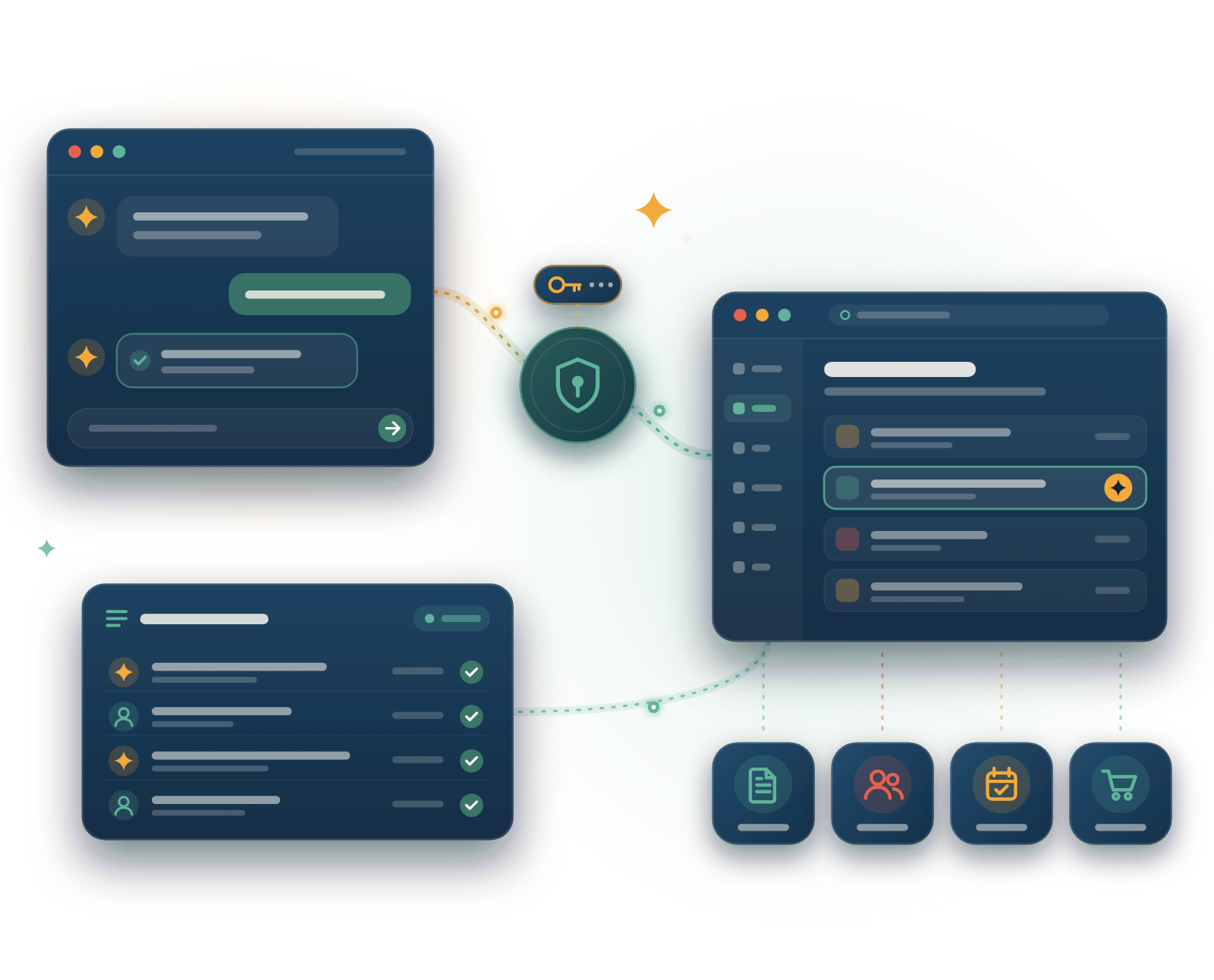
Our MCP tools lets you connect AI assistants—Claude, Grok Bot, ChatGPT, VS Code, and more—directly to your platform. They manage content, orders, bookings, and customers on your behalf, with full transparency and permission boundaries you control.
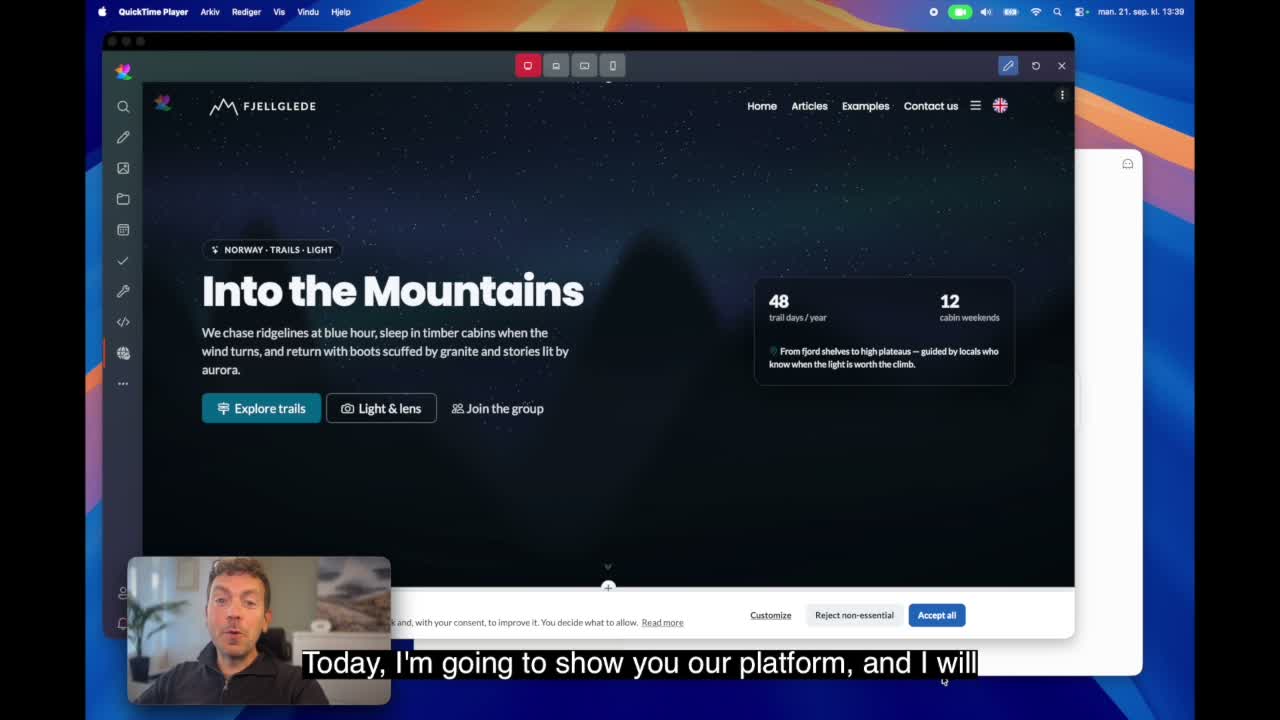
See how an existing page is updated with new elements, and how content can also be modified directly through a conversation with the MCP tools – no menus, no counting clicks.
Historically, AI was read-only — you asked questions, it gave answers. MCP changes that. Now AI can act on your behalf with your blessing, securely and transparently. This is how modern platforms evolve.
Copy/paste data between systems
manually update content in two places
integrate APIs, wait for webhooks
manage separate vendor accounts
AI handles everything
one unified API surface
real-time, permission-scoped
AI attribution for every action
API keys replace passwords. You revoke instantly. AI never sees your full platform — only what the key permits.
Every AI action is logged and attributed. You know exactly what your assistant did and when.
ExireNexus MCP gives you five powerful, security-first capabilities. Connect your favorite AI assistants and let them manage your platform without ever sharing your password.
Generate, regenerate, or revoke API keys instantly from your user account. Each key is treated like a password—secure, rotatable, and scoped to your permissions. No shared secrets, no security headaches.
Support for industry-standard auth patterns: standard HTTP Authorization: Bearer headers (Anthropic MCP connectors) and custom X-MCP-API-Key headers (generic clients). Maximum compatibility, zero vendor lock-in.
One API key works across VS Code, Claude Desktop, GitHub Copilot, and any MCP-compatible client. Connect once, empower all your AI tools. Your configuration lives in mcp.json or your client's settings.
AI actions respect your platform permissions. If you can't publish, neither can the AI. All operations are scoped to your user's role and the active apps (CMS, Shop, Booking, Calendar). No privilege escalation.
Every action taken by an AI assistant is logged and attributed to your user. Track what was changed, when, and by whom (or which AI tool). Full audit trail, complete transparency, no hidden operations.
Generate your API key in one click, then point your favorite AI client to ExireNexus. We support industry-standard configurations for VS Code, Claude Desktop, and any MCP-compatible platform.
Configure the ExireNexus MCP server in your VS Code settings using the standard mcp.json format. VS Code loads your configuration and connects automatically.
{
  "eredaktor.no": {
    "type": "http",
    "url": "https://...",
    "headers": {
      "Authorization": "..."
    }
  }
}Connect ExireNexus to Claude Desktop using the MCP protocol. Claude gains the ability to browse your platform, create content, manage orders, and handle bookings — all with your oversight.
{
  "mcpServers": {
    "exirenexus": {
      "command": "http",
      "url": "https://...",
      "auth": {
        "type": "bearer",
        "token": "..."
      }
    }
  }
}Use GitHub Copilot's MCP integration to connect directly to ExireNexus. Write code, manage documentation, and let Copilot handle platform tasks — all from your editor.
"copilot.mcp.servers": {
  "exirenexus": {
    "url": "https://...",
    "auth": {
      "type": "bearer",
      "credentials": "..."
    }
  }
}Use any MCP-compatible client. The ExireNexus MCP server supports the standard protocol, so you can connect custom tools, agents, and integrations built for MCP.
Server URL: https://...
Auth Header: Authorization: Bearer
Key Header: X-MCP-API-Key
Method: HTTP POST