Select Language
Scrollytelling: tell stories people can't stop scrolling

Scrollytelling: tell stories people can't stop scrolling

Full-screen photos, numbers that count up, quotes, cards and split scenes that unfold as your reader scrolls. Meet Scrollytelling in eRedaktør, and see it in action on Storveis.

Some stories deserve more than a page

A trip report, a rescue on the mountain, the history of your organisation, the launch of a new product. Some stories lose their magic when they are squeezed into a heading, a paragraph and a photo. With Scrollytelling in eRedaktør, your story unfolds scene by scene as the reader scrolls: big pictures, short text, and a rhythm that keeps people reading to the very end.

You don't need a designer or a developer. You pick scenes, add your pictures and words, and eRedaktør takes care of the animations, the layout on every screen and the colours of your site.
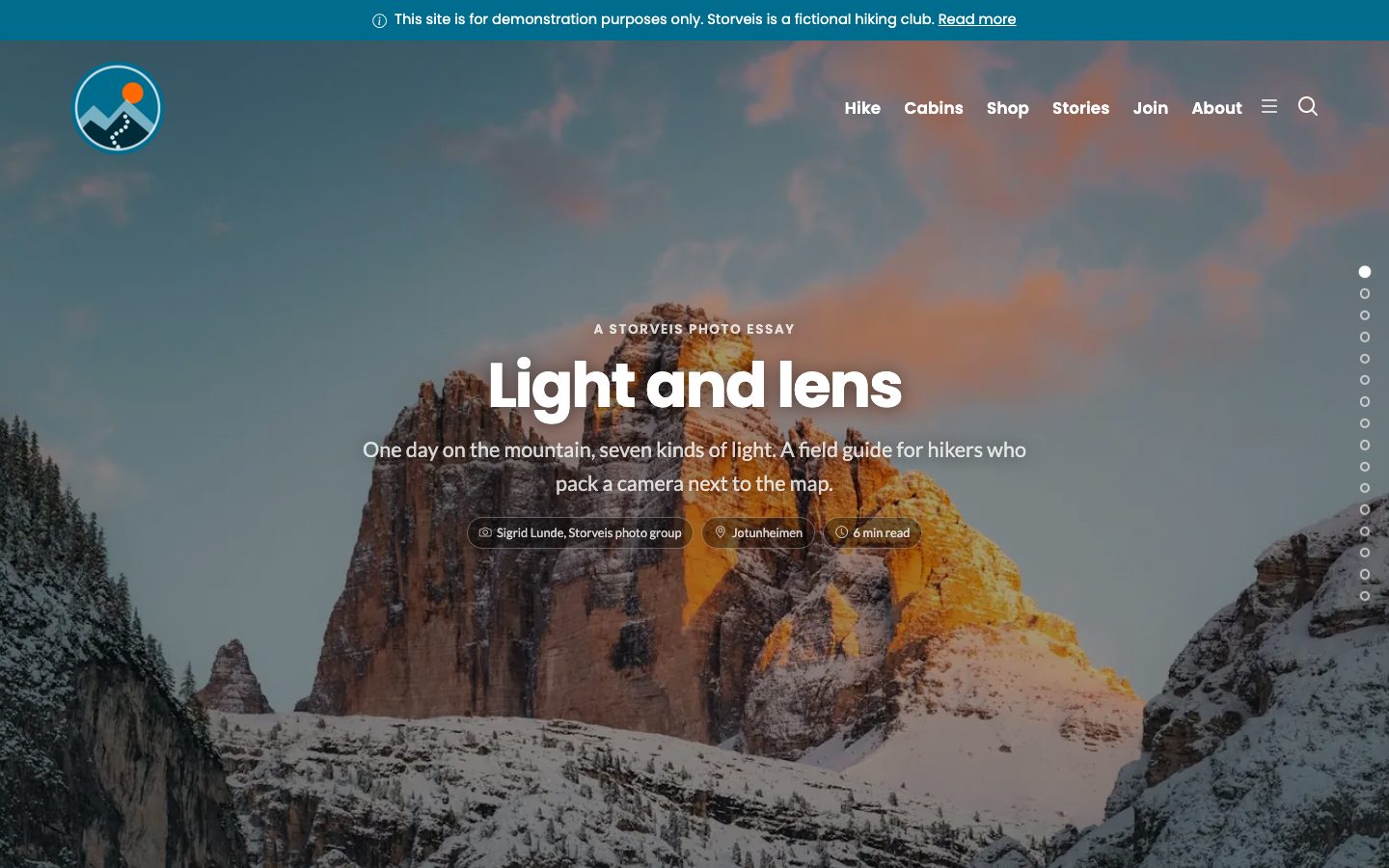
The opening scene of a scrollytelling story: the title Light and lens over a mountain lit by the sunset
Every story opens with a full-screen title scene. From the Storveis photo essay Light and lens.

Six scene types, endless stories

Every story is built from scenes, and every scene has its own job:
  • Photo: a full-screen picture with your text on top, with a gentle slow zoom.
  • Chapter: a calm pause that opens a new part of the story.
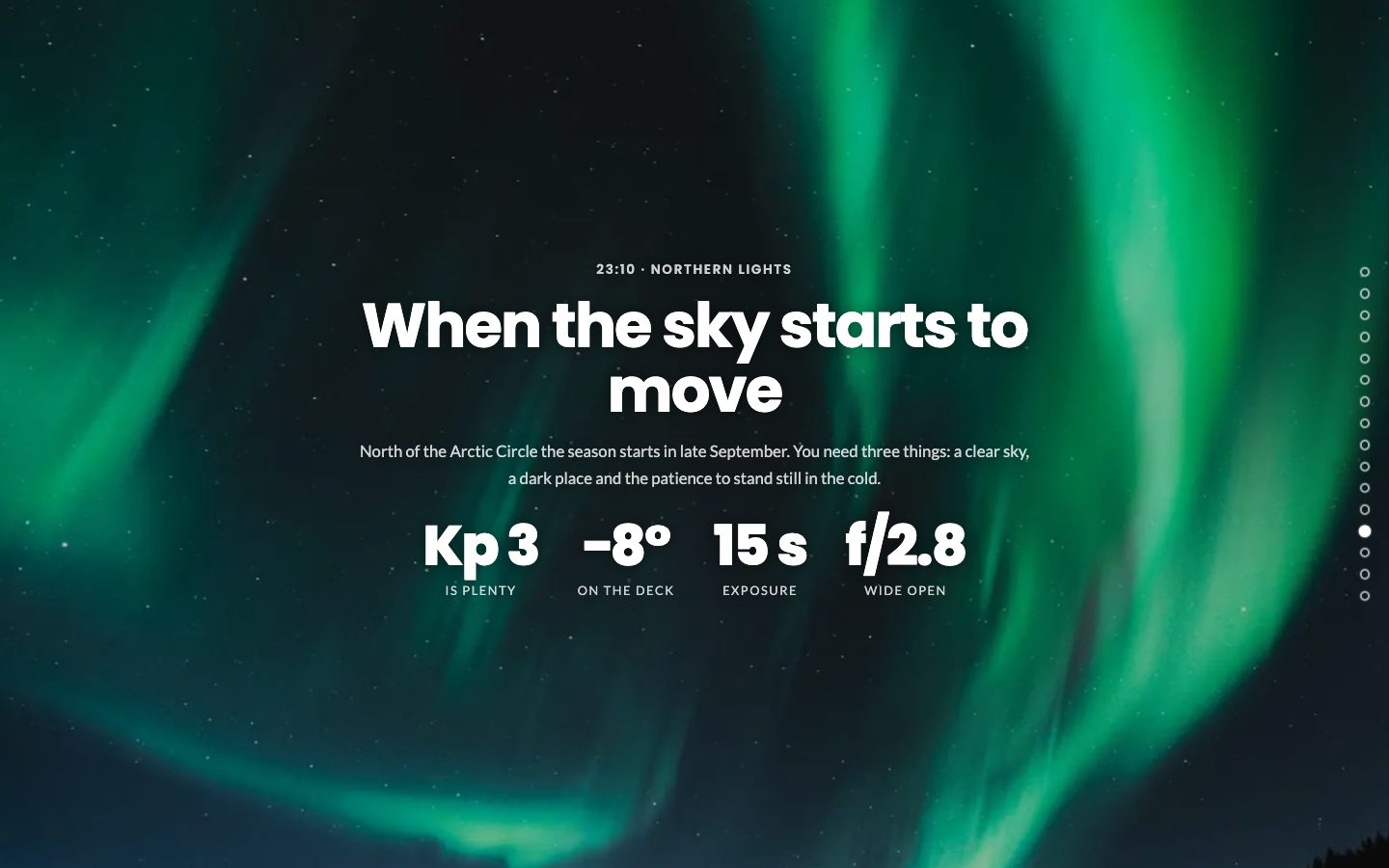
  • Numbers: key figures that count up as they come into view.
  • Quote: let a real person say it, with name and context.
  • Cards: tips, rules or steps in a tidy grid with icons.
  • Split: picture on one side, story on the other.
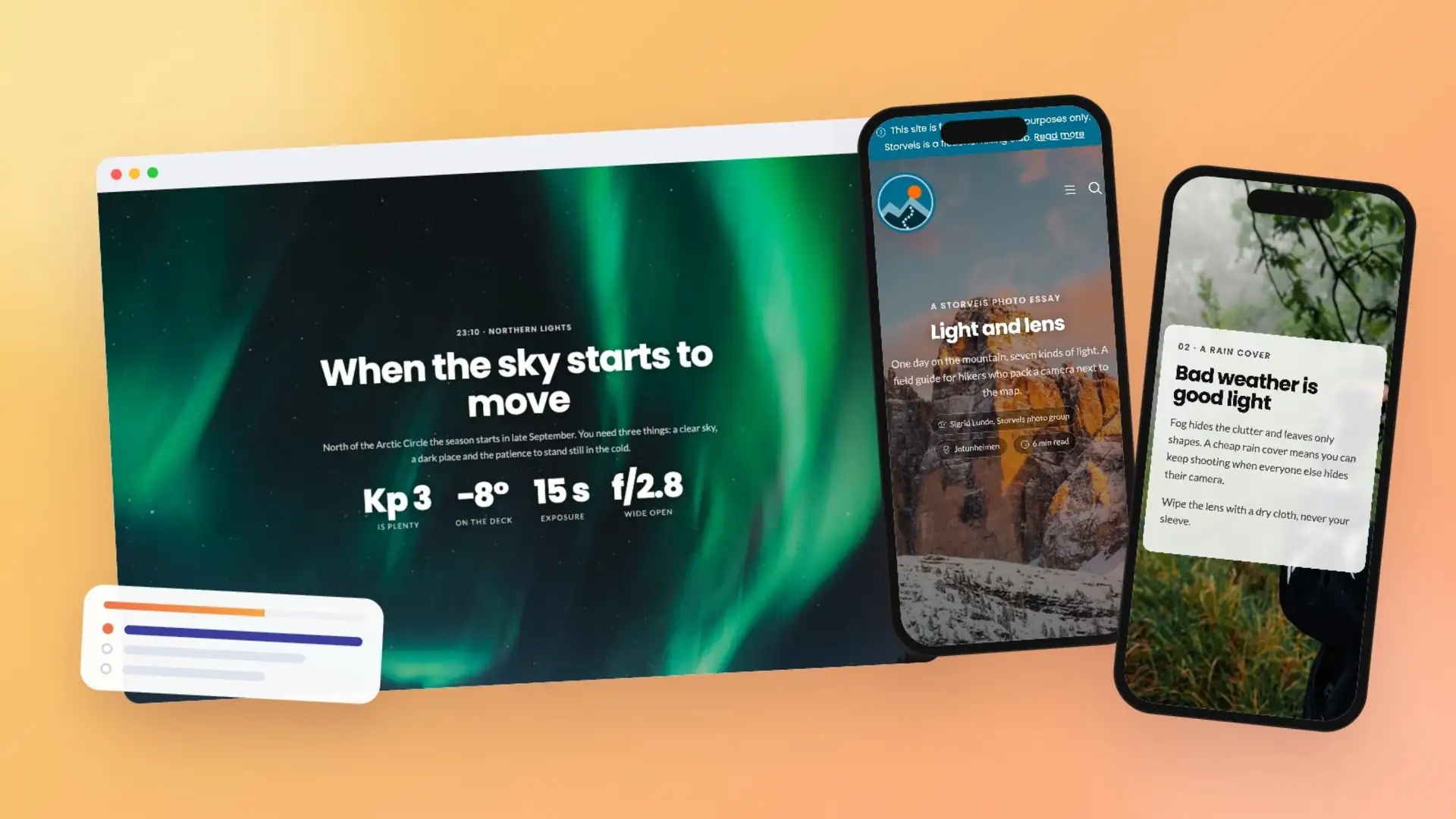
A numbers scene over the northern lights with four figures: Kp 3, minus 8 degrees, 15 seconds and f/2.8
A numbers scene: the figures count up the moment they scroll into view.
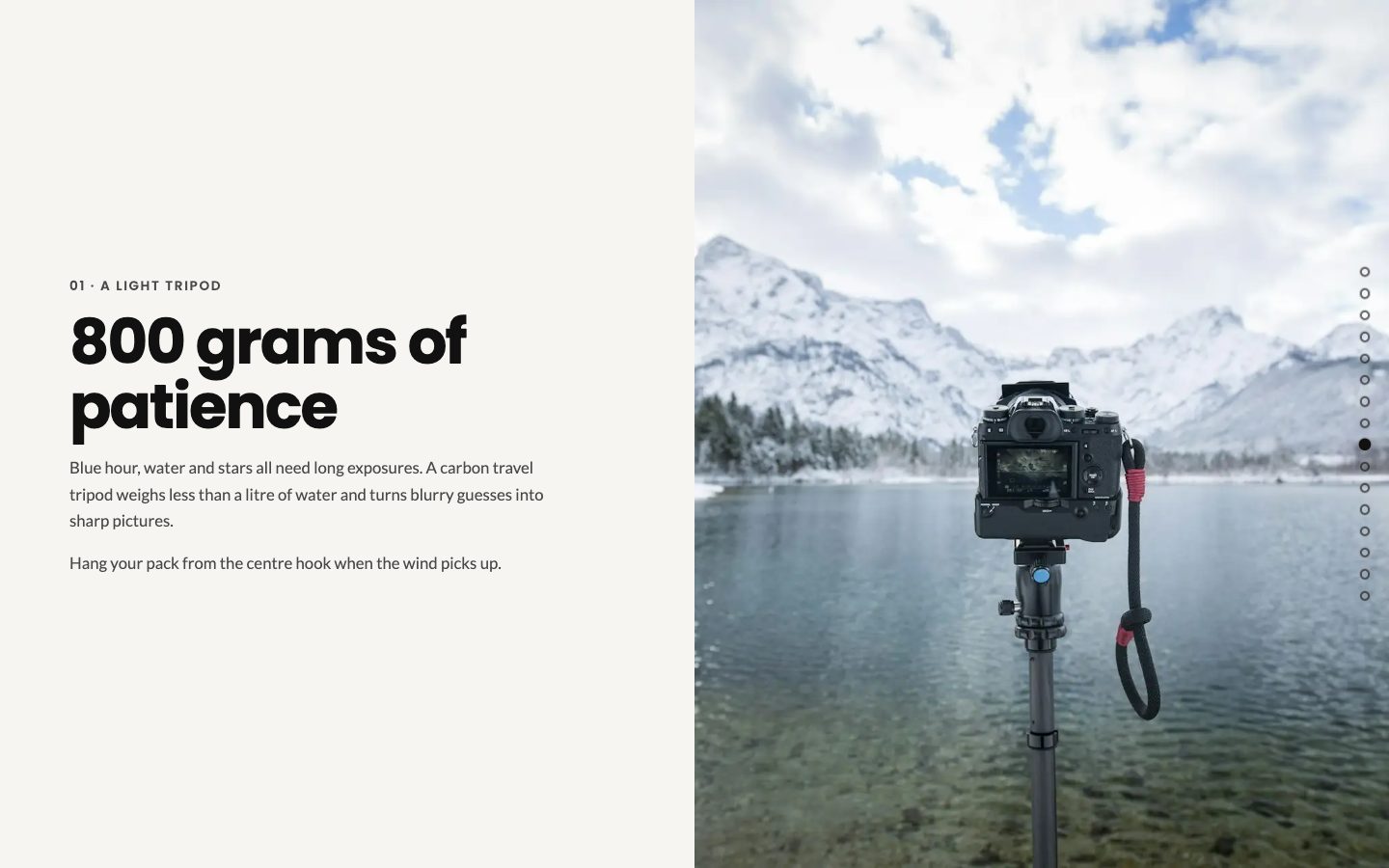
A split scene with text on the left and a camera on a tripod by a lake on the right
Split: picture on one side, story on the other.
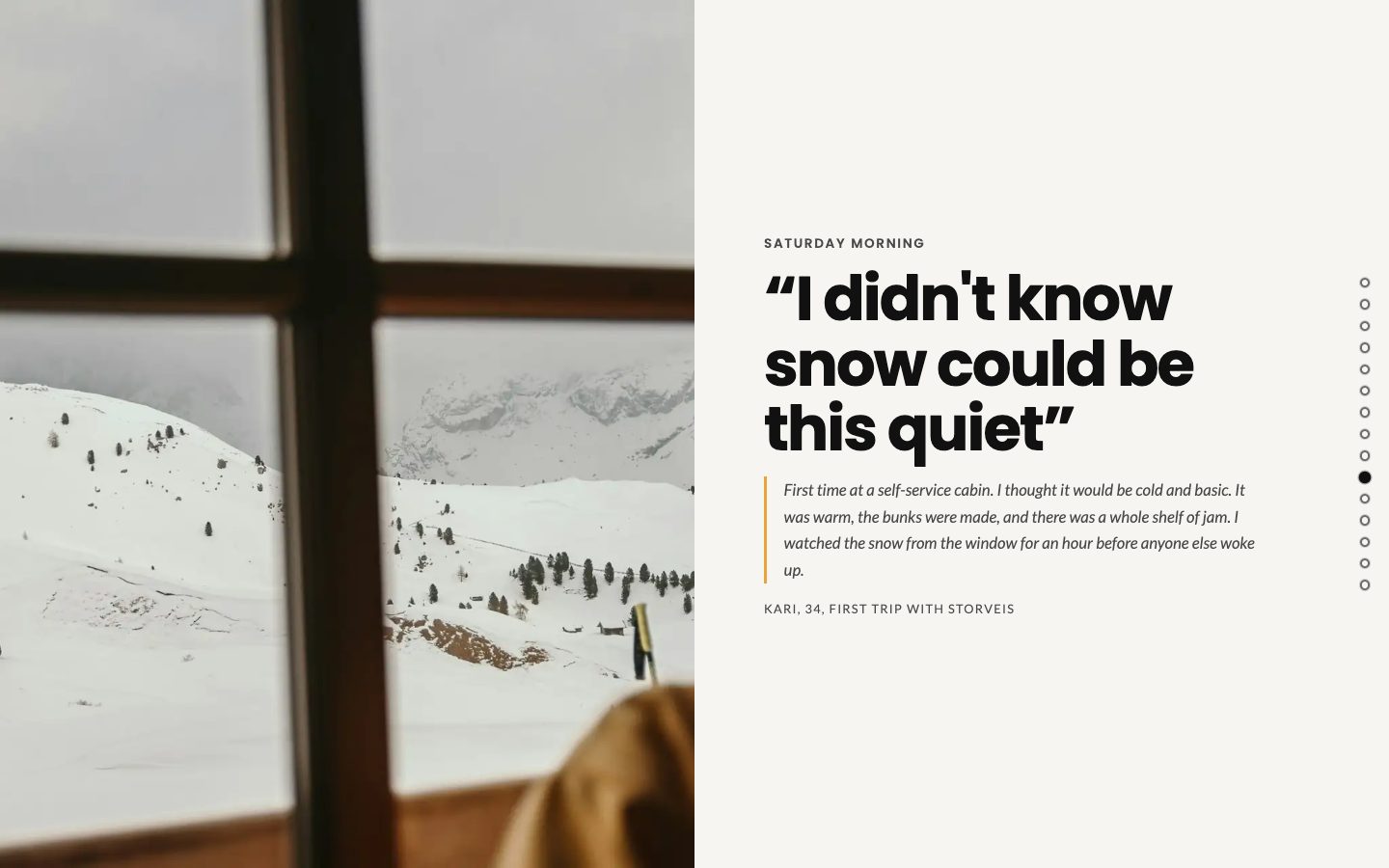
A quote scene: I didn't know snow could be this quiet, next to a snowy view through a cabin window
Quote: real voices make a story real.
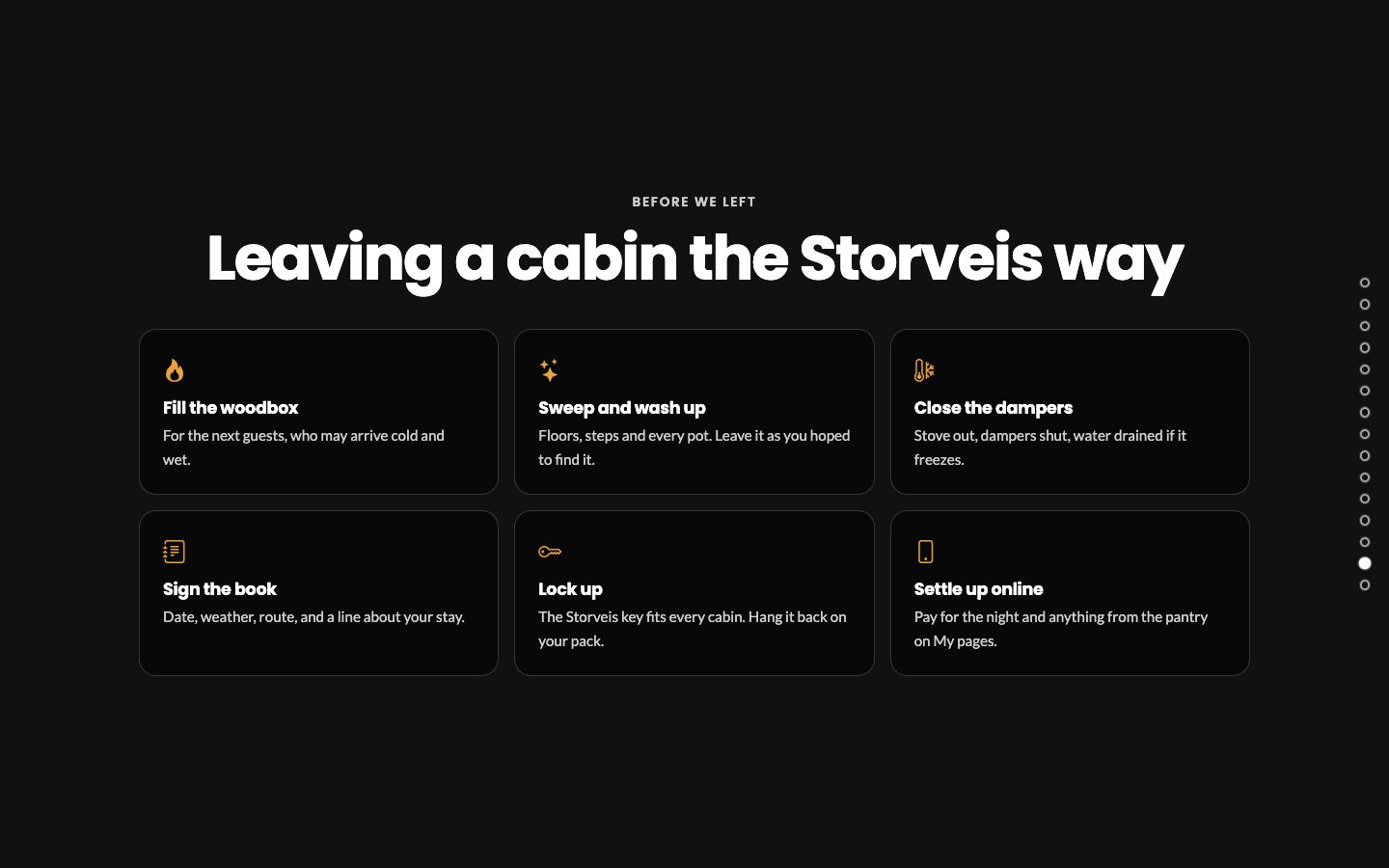
A cards scene with six cards: fill the woodbox, sweep and wash up, close the dampers, sign the book, lock up and settle up online
Cards: perfect for tips, rules and step-by-step guides.

The details that make it feel professional

  • Fact chips for the little details, like camera settings, distances or opening hours.
  • A focal point for every picture, so the important part stays in view on wide screens and narrow phones alike.
  • A reading progress bar and a chapter menu, so readers always know where they are and can jump straight to a chapter.
  • Follows your site's theme, in light and dark mode, with an optional text panel and adjustable text width for perfect readability.
  • Made for phones: scenes stack beautifully on small screens, with a clean, distraction-free layout.
A photo scene of a hiker on a ridge at golden hour, with the fact chips ISO 100, f/5.6 and 1/500 s
Fact chips add the small details without cluttering the story.

Start in seconds with a starter story

Staring at a blank page is no fun. Choose one of our starter stories (a photo essay, a trip journal, a rescue story or a brand story), and you get a complete story with the right scenes in the right order. Swap in your own pictures and words, and you are done.

Editing is just as easy: change texts, numbers, cards and pictures right on the page, scene by scene, and see the result instantly. Prefer to let AI do the heavy lifting? Your AI assistant can build a whole story from a starter for you.

See it in action

Our demo hiking club, Storveis, uses scrollytelling to tell its stories. Grab a cup of coffee and scroll through The calf in the ravine, First snow at Breidablikk and Light and lens. Try them on your phone too.

Ready to tell your story?

Scrollytelling is included in eRedaktør and works on every site. Already a customer? Add a Scrollytelling block to any page today. New to eRedaktør? Get in touch with us, and we'll help you tell your first story.


Rejoining the server...

Rejoin failed... trying again in seconds.

Failed to rejoin.
Please retry or reload the page.

The session has been paused by the server.

Failed to resume the session.
Please retry or reload the page.