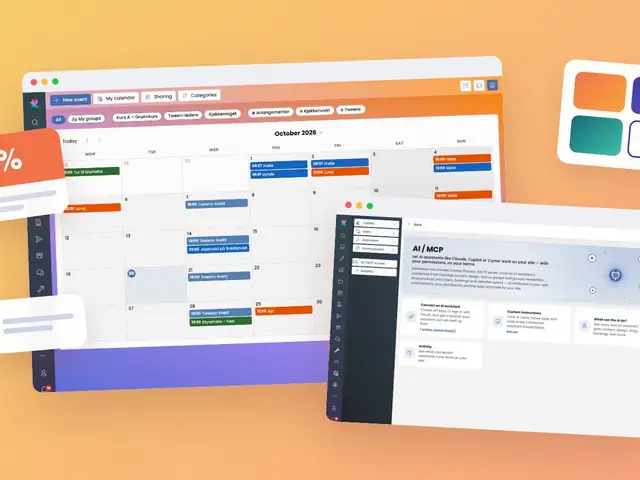

Christmas is the time of year your web shop often sells the most, and the month it is easiest to lose sales. Here are four things you can set up in eRedaktør in an afternoon: a Christmas campaign, free shipping, alerts when an item is back in stock, and your products on Google and price comparison sites.
Customers compare prices across shops, they leave the basket when shipping appears at checkout, and they disappear for good when the item they wanted is sold out. And great offers do little good if nobody finds your shop when they search.
The good news: you can do something about all of this yourself, without entering new prices on every single product. Here are four steps.
With discount rules you set the discount on a whole category, selected products or the entire shop, instead of changing the price of each product. The rule starts and stops on its own on the dates you choose.
Discounts are never stacked. The customer always gets the best discount, so you don't have to worry about a member discount and a campaign adding up to 60%. With 3 for 2, the basket also tells the customer how many more items they need to get the next one free.
Tip: After Christmas, the Discount report shows how much each campaign sold and how much discount it gave.
Shipping costs are one of the most common reasons people abandon their basket. You have two ways to deal with it:
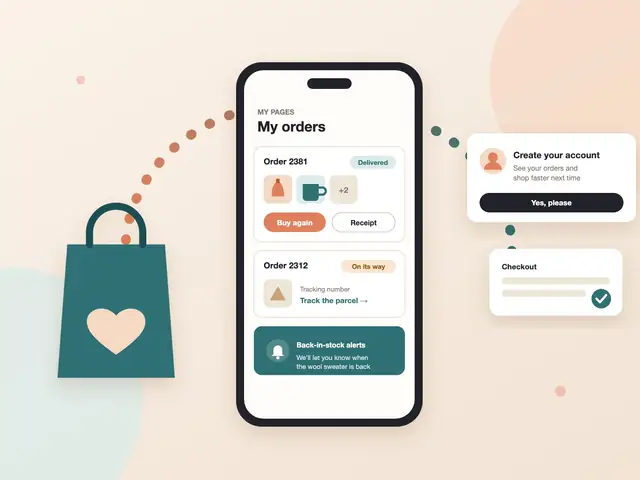
The most popular Christmas gift is usually the first to run out. Instead of the customer going to a competitor, they can ask to be told when it is back.
You can see how many people are waiting for each item in the product editor, and in the product list you can filter on Waiting for back-in-stock alerts. It's a good hint about what to order more of. You can change the email text under Automation, in the Back in stock template.
Many people start their Christmas shopping on Google Shopping, on price comparison sites, or on Facebook and Instagram. With a product feed you send all your products there, with price, image, stock status and link, and they stay up to date on their own.
The feed is rebuilt every night, and half an hour after you change a product. If you change your campaign prices, you can click Build now. Campaign prices from your discount rules are included, so the price on Google matches the price in your shop. Discounts that only apply to members or dealers are left out.
On the same page you can see which products were left out, and why, for example because they are missing an image or a brand. It makes a handy checklist before the Christmas rush.
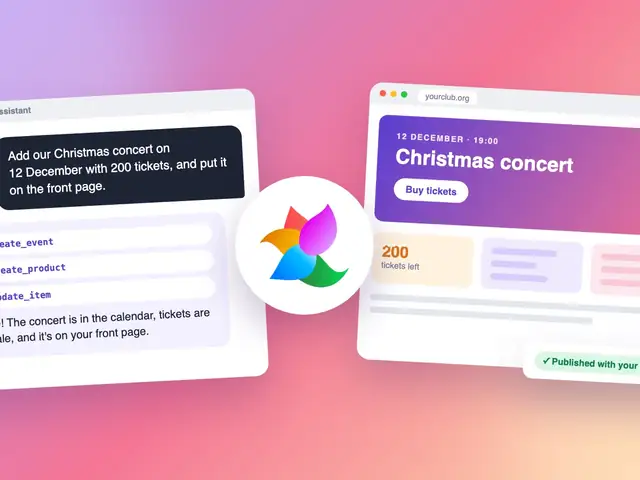
If you use the AI assistant, it can do much of this for you. Try for example "Create a 3 for 2 campaign on the Mittens category from 1 to 24 December with the label Christmas sale". If you have questions about the setup, get in touch with us, and we'll help you get ready for Christmas.