Who's leading worship on Sunday? Has anyone said yes to sound? Which key are we singing in? With meeting planning in eRedaktør you keep the run sheet, the rota and the songs in one place, and volunteers are notified automatically.
Many churches, associations and organisations plan their meetings in a mix of spreadsheets, emails and group chats. The run sheet is in one place, the rota in another, and the chords are printed on paper someone left at home. On Saturday evening the leader is sending messages to find out who is actually coming.
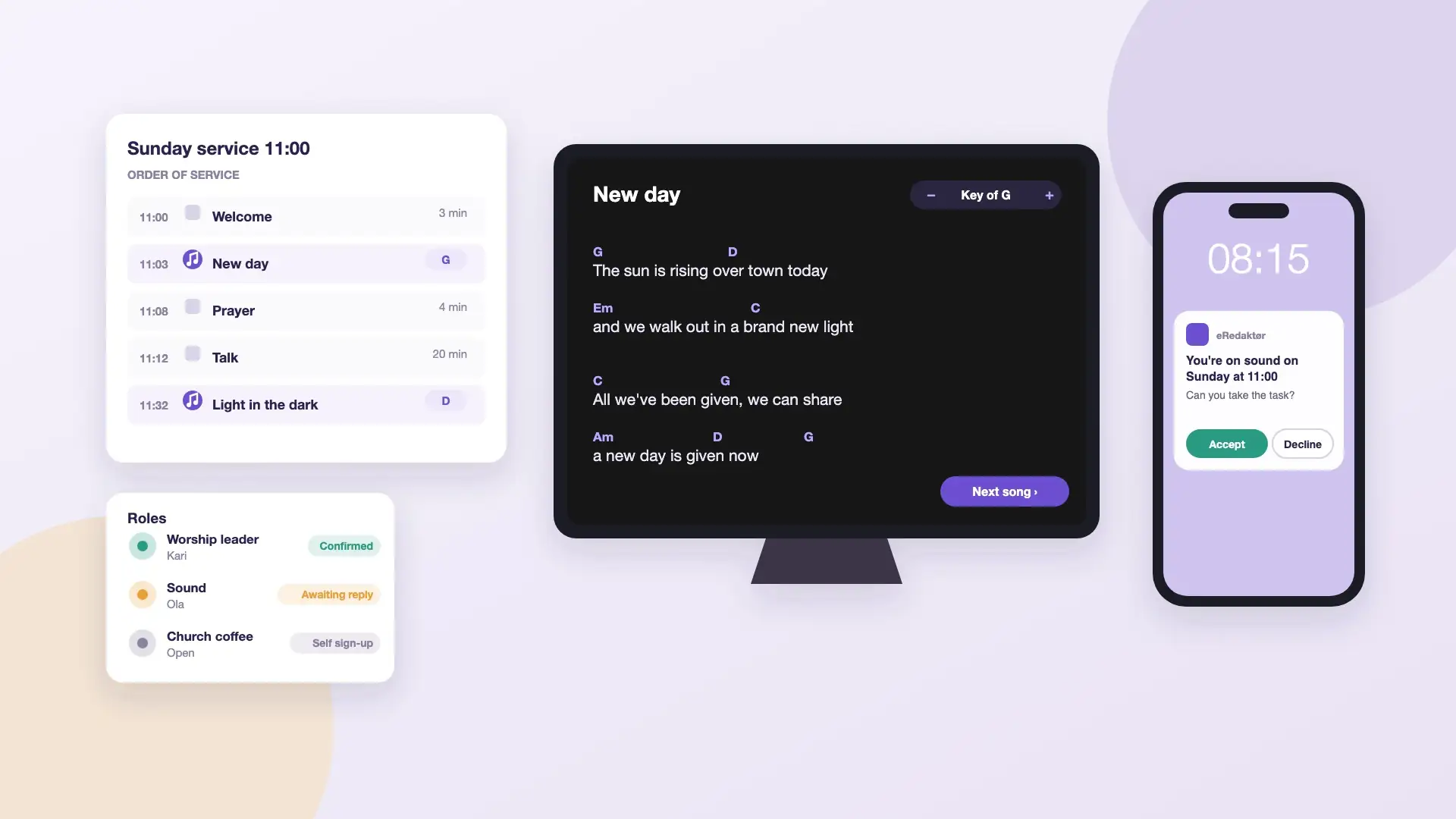
In eRedaktør it all fits together: the meeting is in the calendar, the run sheet belongs to the meeting, the roles are on the run sheet, and the songs are added with their key. Volunteers see their own tasks and answer with one tap.
Most meetings follow the same pattern. Set it up once, and you don't have to start over every week.
Under People → Scheduling you see the upcoming events from the calendar. Click Create schedule on the meeting and choose the template. You now have a run sheet for this particular meeting, which you can adjust:
If the meeting is moved in the calendar, the run sheet follows. The overview shows which meetings have unfilled required roles, so you can see straight away where you need to find people.
Under People → Songs you build your own song library with lyrics and chords. You can import many songs at once from text files, including ChordPro files. If you have sheet music as PDF, it can be attached to the song.
On the run sheet, click Add song, search by title, author or lyrics, and choose the musical key. The song goes on the run sheet with the key after the title. The chords are moved to the key you chose automatically.
Song lyrics are usually protected by copyright. That's why the song library is only shown to people who are signed in, and songs never appear on the public website or in search.
The run sheet is a draft until you click Publish. Then this happens on its own:
Under My schedule volunteers also see Open roles they can sign up for, and they can give up a task if something comes up. Each person chooses under My notifications whether they want to hear about tasks on the rota by notification, email or both.
On the run sheet you see the status of each role: Awaiting reply, Confirmed or Declined.
Click Open songs from the run sheet, and the musicians get all the songs in the meeting, in order and in the right key, on a tablet, phone or computer.
If you want to know who actually came, the leader can tick off attendance after the meeting. It gives you a good picture of who takes part, and who you might want to get in touch with.
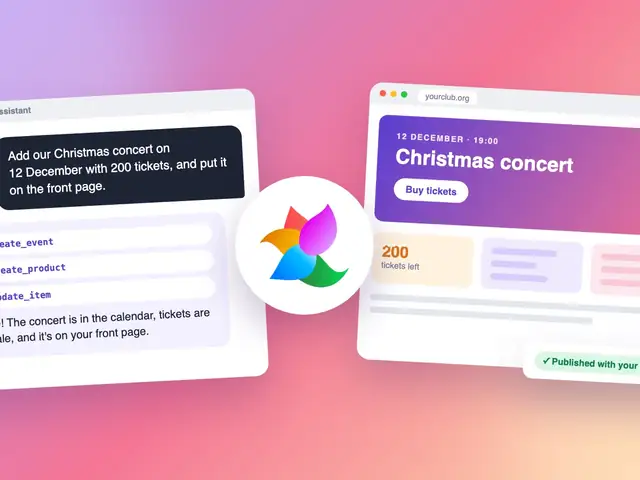
The AI assistant can help with planning too. Ask for example "Which meetings in December are missing a sound technician?" or "Add New day in G to Sunday's run sheet". If you have questions about the setup, get in touch with us.
Read also: How to plan the whole year, so nothing takes you by surprise.